Wallnora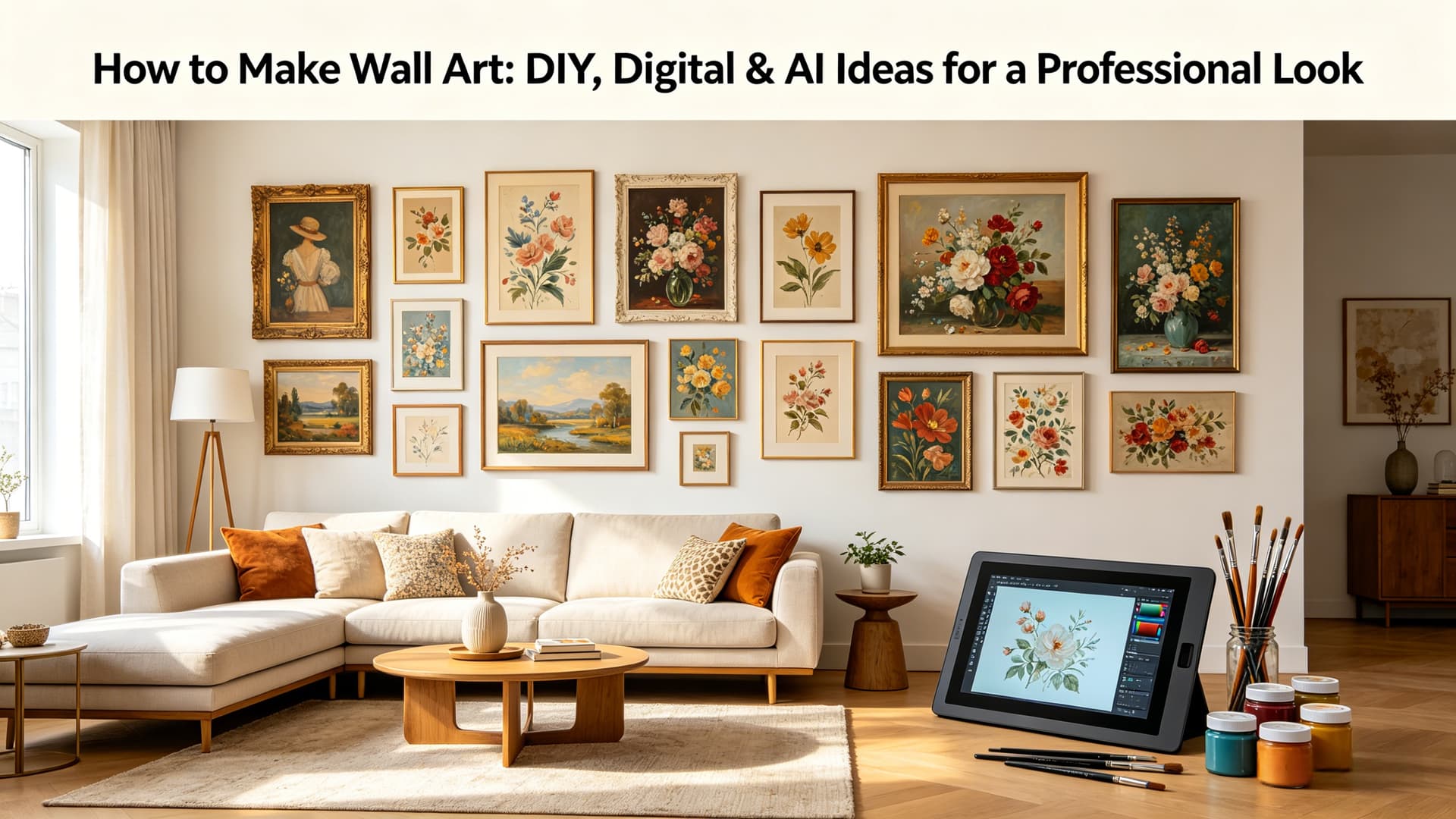
Blank walls can make a room feel unfinished. The furniture is in place, the lighting is perfect, but something is missing.
Usually, it's the art.
The problem is that great wall art can be surprisingly expensive. Even worse, finding a piece that perfectly matches your style, color palette, and space often feels impossible. What looks stunning online may not work in your home at all.
That's exactly why more people are choosing to create their own wall art.
Whether you enjoy hands-on DIY projects, prefer designing digitally, or want to use AI to generate custom artwork in seconds, making wall art has never been easier—or more accessible.
In this guide, you'll learn how to make wall art using several proven methods, how to choose the right materials and size, and how to preview your artwork on your wall before printing. By the end, you'll have everything you need to create a piece that's uniquely yours.
Why Make Your Own Wall Art?
Store-bought art has its place, but creating your own offers advantages that ready-made pieces simply can't match.
First, there's the cost. Large framed artwork often carries a hefty price tag, especially when you're shopping from galleries or premium home decor brands. Making your own can save you a substantial amount while still delivering a polished, designer-quality look.
Customization is another major benefit. Instead of settling for something that's "close enough," you can create a piece that fits your exact dimensions, color scheme, and interior style. That's particularly valuable when decorating a specific room.
Most importantly, homemade wall art feels personal. It reflects your taste, your memories, and your creativity. Whether it's a painted canvas, a favorite photograph, or an AI-generated masterpiece, the finished result becomes far more meaningful than something mass-produced.
And honestly, the process itself can be incredibly satisfying.
Quick Answer: How to Make Wall Art
There are countless ways to create wall art, but most methods fall into four main categories: traditional DIY, digital design, photography, and AI-generated artwork.
If you enjoy crafting, painting or textured canvas art can be deeply rewarding. If you prefer a cleaner, more modern approach, digital design tools allow you to create professional-quality prints from your computer. Photography turns your favorite memories into meaningful decor, while an AI tool like Wallnora offers the fastest path to custom artwork—even if you have zero artistic experience.
The best method depends on your goals, skill level, and how much creative control you want.
For most beginners today, digital and AI-based options provide the easiest starting point.
Method 1: Create DIY Painted Canvas Wall Art
Canvas painting remains one of the most popular ways to make wall art, and for good reason. It's affordable, highly customizable, and surprisingly beginner-friendly.
You don't need formal training to create something beautiful. Modern abstract styles are especially forgiving, which makes them ideal for first-time artists.
Start with a blank stretched canvas, a few acrylic paints, and some basic brushes. Acrylics are easy to work with, dry quickly, and offer excellent color vibrancy. Painter's tape can help you create sharp geometric patterns, while palette knives add texture and dimension.
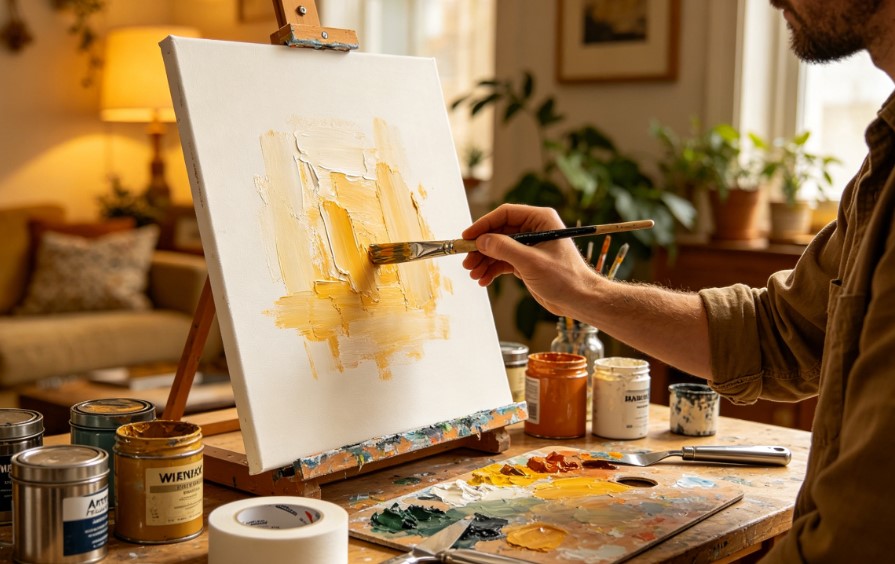
The key is to coordinate your artwork with your room. Pull colors directly from your furniture, rug, or accent pillows to ensure the final piece feels cohesive.
Once finished, allow the painting to dry completely before hanging. A simple floating frame can instantly elevate the final result.
Method 2: Design Printable Wall Art Digitally
Digital wall art offers unmatched flexibility. It allows you to create professional-looking designs without dealing with paint, mess, or drying time.
This method is particularly popular for typography prints, minimalist illustrations, and personalized family artwork.
Tools like Canva, Adobe Photoshop, and Procreate make the process remarkably accessible.
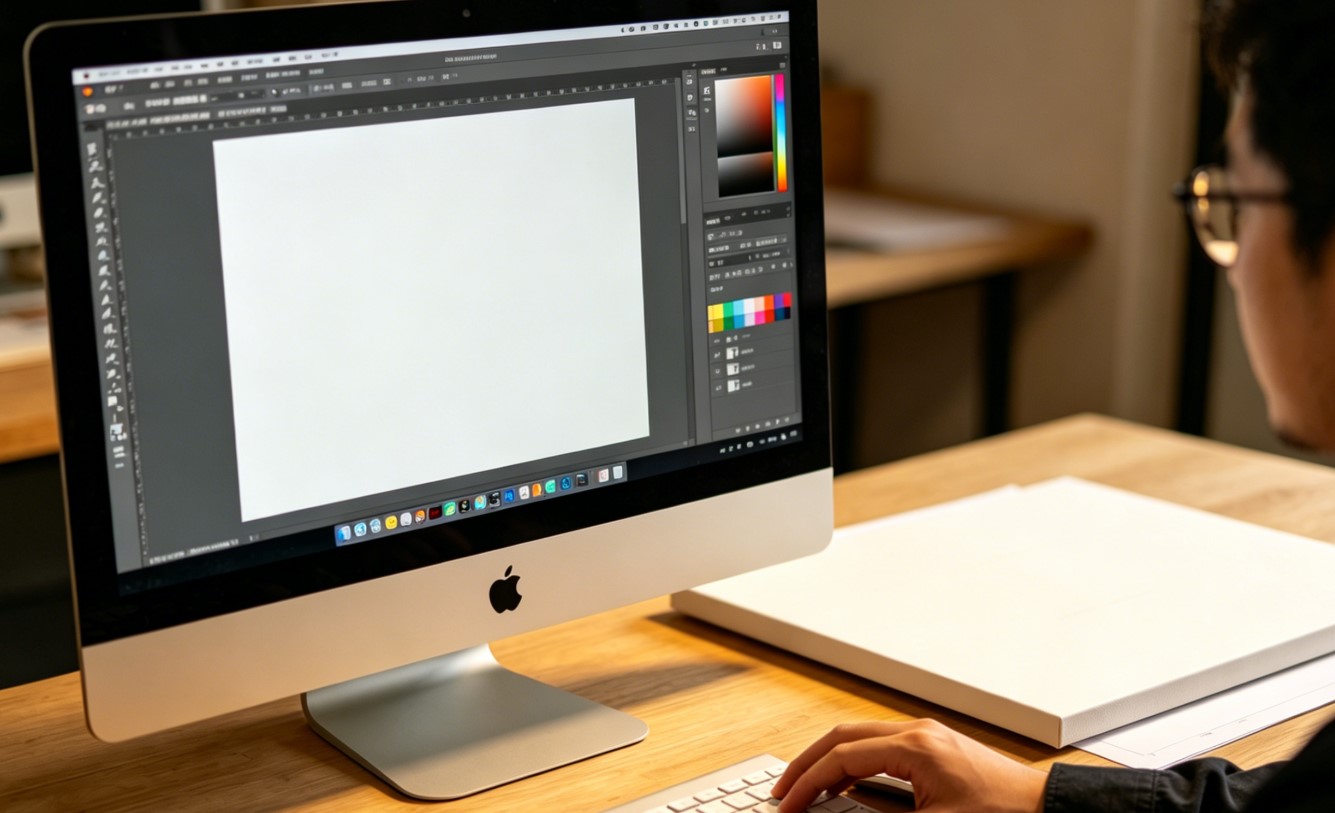
A few popular digital wall art styles include:
-
Quote prints
-
Abstract geometric designs
-
Personalized name art
-
City map posters
-
Botanical illustrations
What makes digital art especially appealing is scalability. You can print the same design in multiple sizes without losing quality.
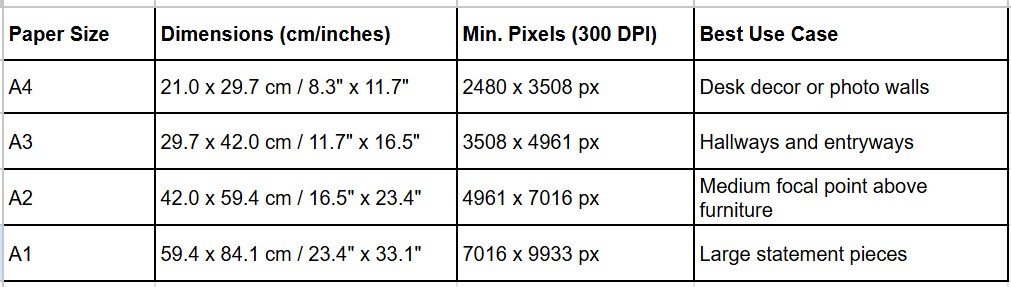
Always export your final design at 300 DPI. That single detail determines whether your print looks sharp or disappointingly blurry.
To help you achieve the best print quality, use the following reference table for 300 DPI exports:
Method 3: Make AI Wall Art in Minutes
AI has completely changed how people create wall art.
What once required artistic skill, design software, or hours of effort can now be accomplished with a simple text prompt.
Describe the scene you want—perhaps a misty forest, a minimalist line drawing, or an abstract coastal landscape—and AI generates multiple original artworks within seconds.
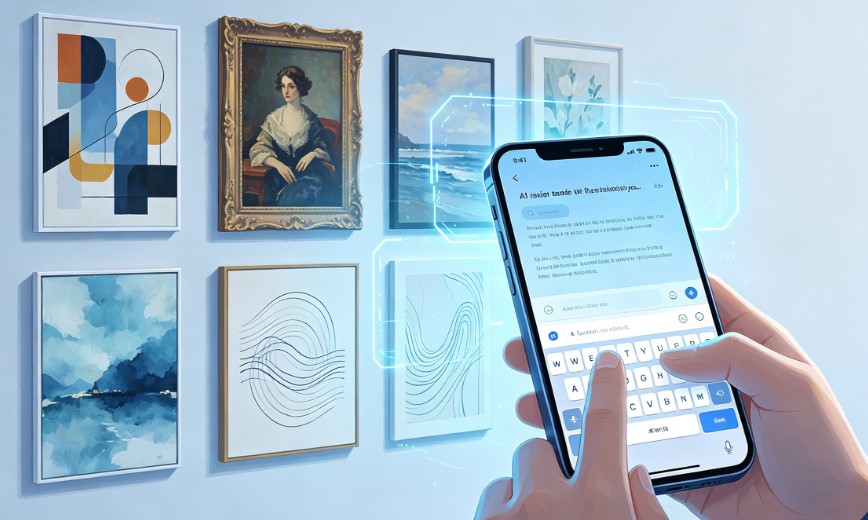
For homeowners, AI solves a common problem: finding art that perfectly matches a room's aesthetic. Instead of searching through thousands of existing prints, you create exactly what you envision.
Platforms like Wallnora take this even further by allowing you to preview AI-generated artwork directly on your wall. You can test sizes, compare frame options, and ensure the piece fits your space before ordering.
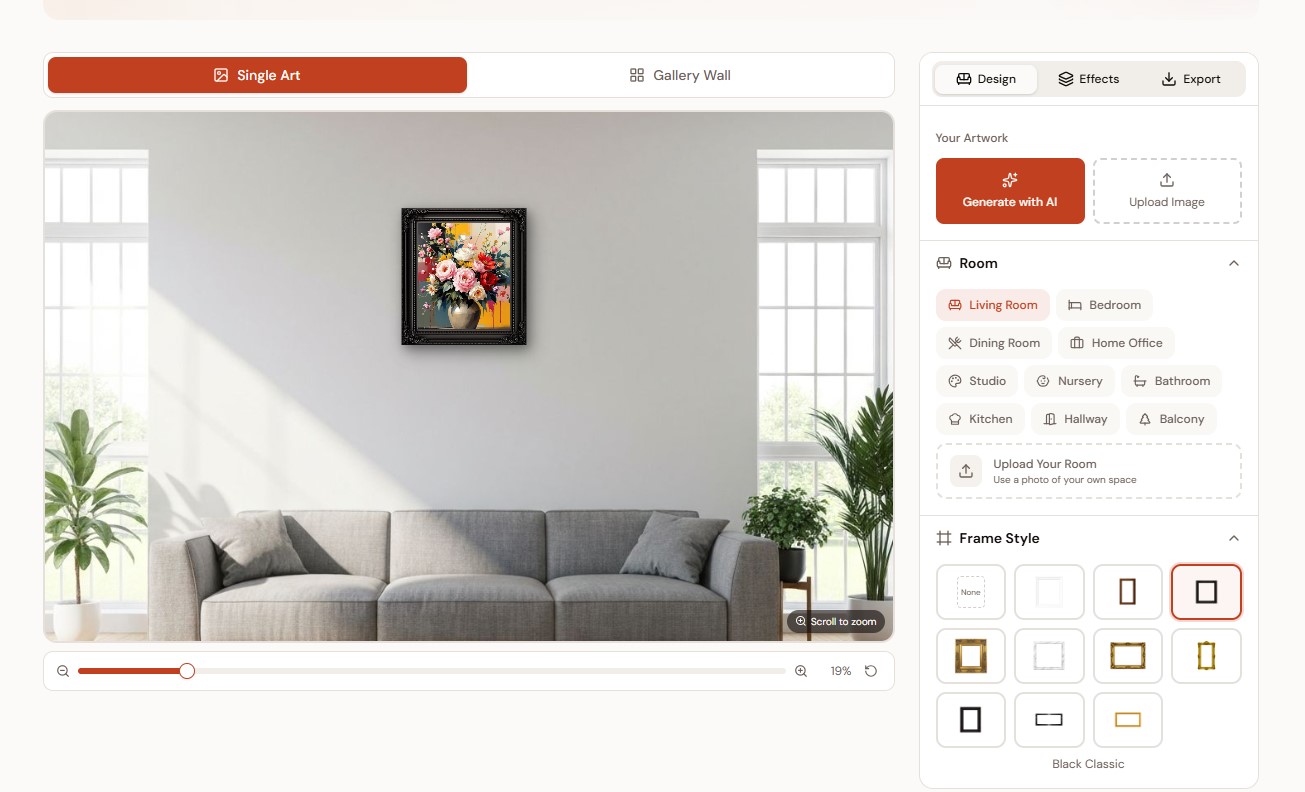
For many people, AI is now the easiest way to create truly custom wall art.
Method 4: Turn Your Photos into Wall Art
Some of the best wall art is already sitting on your phone.
Travel landscapes, family portraits, wedding moments, and pet photos can all become stunning display pieces.
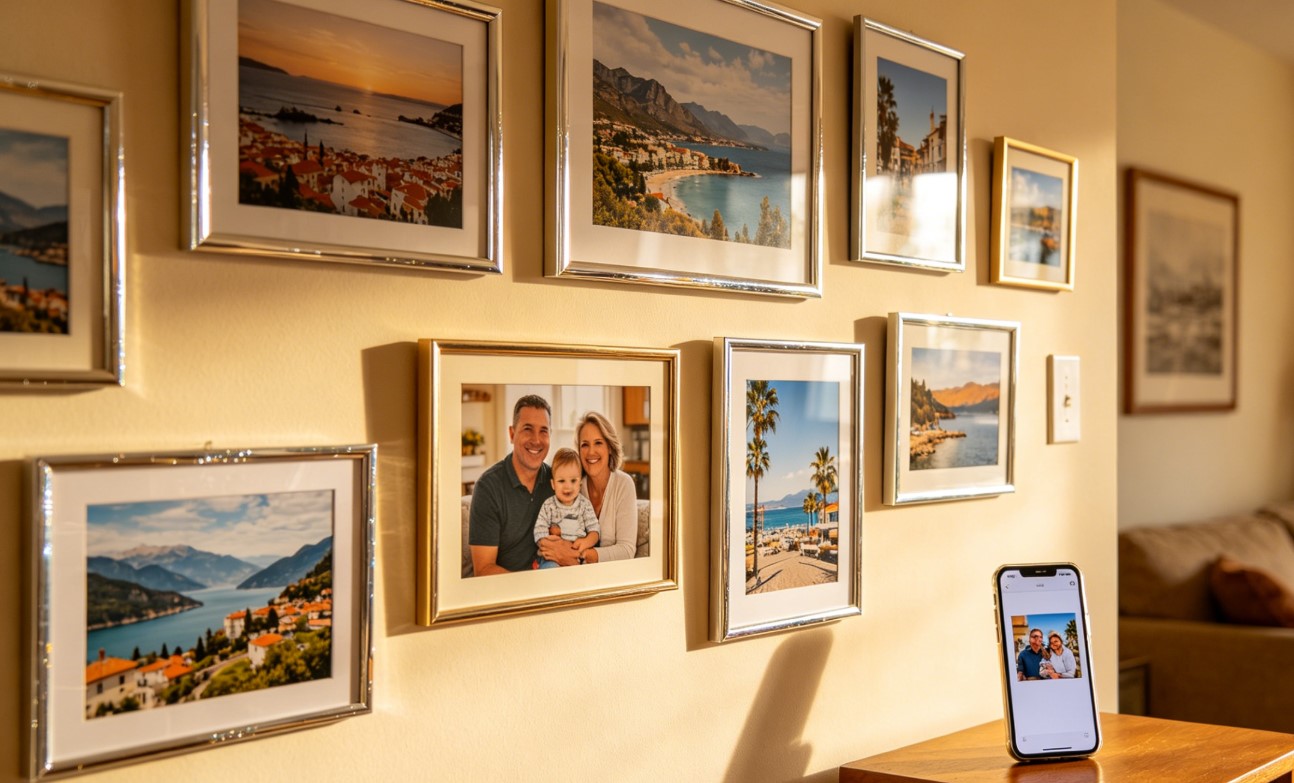
Adjust exposure, increase contrast slightly, and crop with intention. Often, converting an image to black and white creates a timeless, gallery-worthy look.
Professional printing services can transform even smartphone photos into beautiful large-format pieces.
This approach works especially well when you want artwork that carries emotional significance.
After all, no stock print can compete with your own memories.
Method 5: Create Textured Wall Art
Textured wall art has become one of the biggest interior design trends in recent years.
Its appeal lies in depth, softness, and understated elegance.
Using materials like plaster, joint compound, fabric, or modeling paste, you can create sculptural pieces that add dimension to minimalist spaces.
Neutral palettes—especially white, beige, and warm gray—work exceptionally well here.
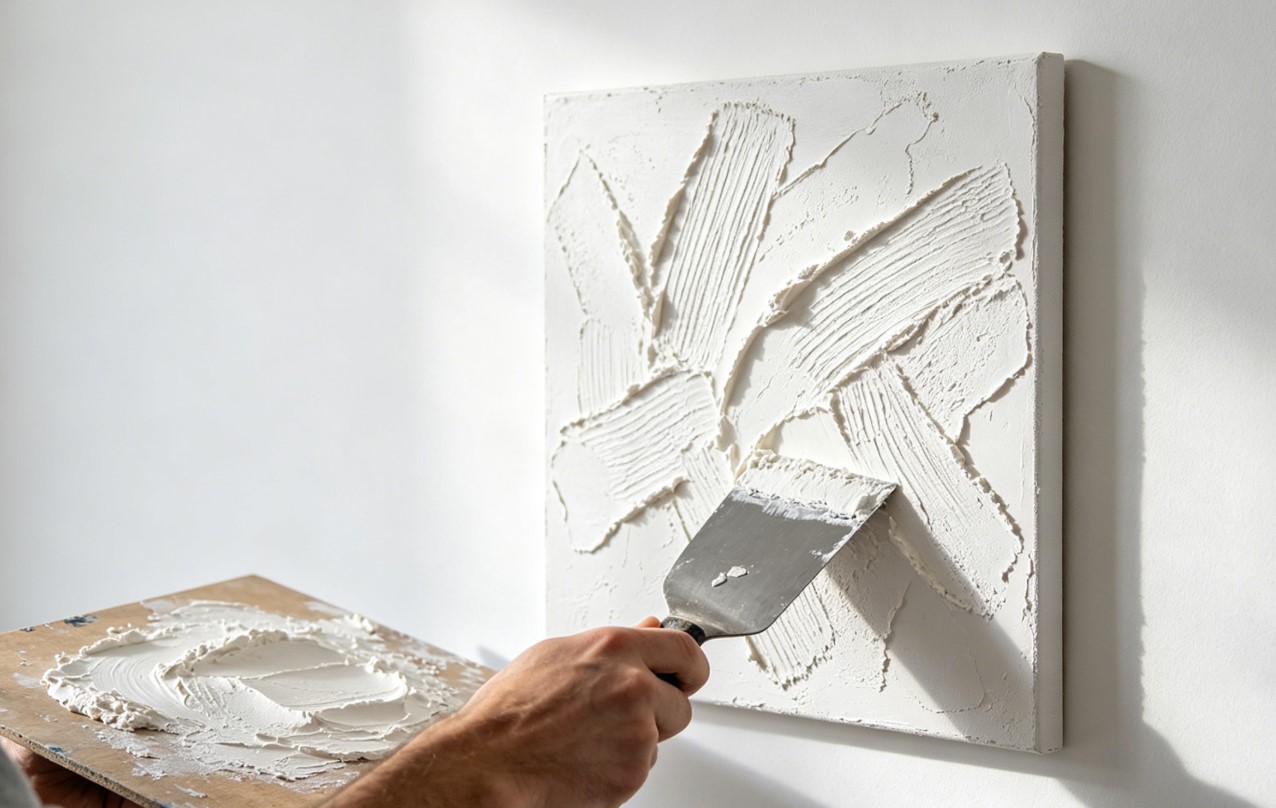
Even beginners can achieve impressive results with basic tools and a little patience.
How to Choose the Right Size for Your Wall Art
Even stunning artwork can look awkward if the size is wrong.
A common mistake is choosing pieces that are too small for the wall. Tiny artwork tends to disappear, especially above large furniture.
As a general rule, wall art should span roughly two-thirds of the width of the furniture beneath it.
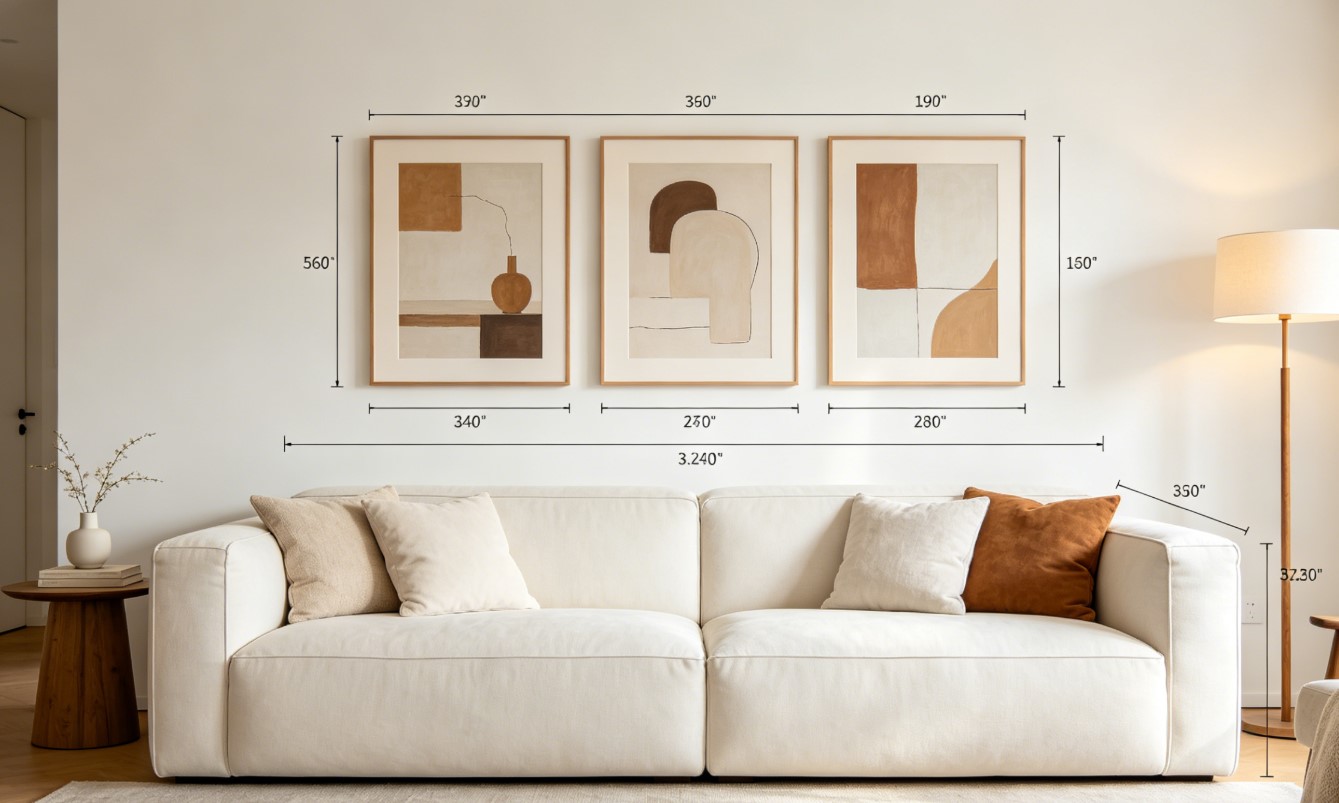
Oversized pieces often create the strongest visual impact. When in doubt, go larger.
It's far easier to fill space than to compensate for empty walls.
Always Preview Before You Print
This step separates successful wall art projects from expensive mistakes.
A design may look fantastic on your laptop yet feel completely different once printed and hung.
Scale, colors, and framing all affect the final result.
Using Wallnora, you can upload a photo of your room and instantly visualize your artwork at the correct size.
That allows you to test multiple options before spending money on printing or framing.
It's the smartest way to buy—or create—wall art with confidence.
Common Mistakes to Avoid
Many first-time creators make the same avoidable mistakes.
Low-resolution files are perhaps the most common culprit. What looks sharp on a phone screen may print poorly at larger sizes.
Another frequent issue is poor sizing. Artwork that's too small often feels disconnected from the room.
Color mismatch can also ruin the overall effect. Your piece should complement the surrounding decor rather than compete with it.
Finally, never skip the mockup stage. Visualizing your artwork beforehand can save both money and frustration.
A little preparation goes a long way.
Frequently Asked Questions
How much does it cost to make DIY wall art?
Costs vary by method. A basic DIY canvas project (paints, brushes, and canvas) usually costs between $20 - $50. Digital art is the most budget-friendly, with professional prints costing as little as $5 - $15. Large-scale pieces or custom framing can increase the price, but it remains significantly cheaper than buying gallery-ready art.
Will AI-generated images look blurry when printed?
This depends on the resolution. Most standard AI generators produce images that need to be "upscaled" for large-format printing. To ensure a sharp result at 300 DPI, you should use an AI upscaler to reach the pixel counts mentioned in our size guide. Tools like Wallnora help manage this process to ensure your custom creation looks professional.
How do I choose the best colors for my art?
Look at the dominant colors in your room—the rug, the sofa, or the curtains. Choose one or two of those colors to incorporate into your art for a cohesive look, or choose a complementary color for a bold statement.
Final Thoughts
Learning how to make wall art is one of the most rewarding ways to personalize your home.
Whether you prefer painting by hand, designing digitally, transforming your favorite photos, or generating artwork with AI, each method offers unique creative possibilities.
The best part is that your finished piece will be entirely your own—crafted specifically for your space, your style, and your story.
And if you want the easiest path from idea to finished masterpiece, modern tools like Wallnora make the process remarkably simple.
Create it. Preview it. Love it.
That's how great wall art begins.