Wallnora
The digital wall art market on Etsy has exploded in recent years. Printable art is now one of the platform’s top-selling digital product categories, with top sellers generating thousands of dollars per month from designs they created once and sell repeatedly. With AI art generation tools becoming increasingly powerful, the barrier to entry has never been lower — and the quality has never been higher.
But success on Etsy isn’t just about creating beautiful art. It requires understanding profitable niches, preparing print-ready files, navigating licensing considerations, and mastering Etsy’s search algorithm. In this comprehensive guide, we’ll walk you through every step of building a profitable AI wall art business on Etsy, from niche selection to scaling with collections.
Step 1 – Choose a Profitable Niche
The biggest mistake new Etsy sellers make is trying to sell “everything.” On a marketplace with millions of listings, generic wall art gets lost in the noise. The key to success is choosing a specific, profitable niche and becoming the go-to seller within it.
Nursery and kids’ room prints are consistently among the top-selling digital art categories on Etsy. Parents are willing to pay a premium for high-quality, unique art for their children’s rooms. Think animal illustrations, name prints, growth charts, and themed sets (space, jungle, ocean). This niche benefits from strong gifting potential and tends to have higher average order values because customers often buy sets of 3–6 matching prints.
Minimalist and modern abstract art appeals to a broad demographic of design-conscious buyers. This niche is highly competitive, but the demand is enormous. Focus on a specific sub-style — perhaps neutral tone abstracts, or geometric compositions — to differentiate yourself (for more style inspiration, see our guide to the top 8 AI art styles). The key advantage of this niche is that buyers often purchase multiple pieces for gallery walls, increasing your revenue per customer.
Botanical and nature prints have timeless appeal and consistently strong demand across seasons. From detailed botanical illustrations to abstract leaf patterns, this niche attracts buyers decorating bedrooms, bathrooms, and living rooms. Seasonal variations (spring florals, autumn foliage, winter botanicals) give you natural reasons to release new collections throughout the year.
Seasonal and holiday decor is a goldmine for digital art sellers. Christmas, Halloween, Valentine’s Day, and Easter all drive spikes in printable art sales. The advantage is clear: seasonal art has a built-in urgency that drives faster purchase decisions. Smart sellers prepare their seasonal collections 6–8 weeks before each holiday to capture early shoppers.
Before committing to a niche, research the competition. Search Etsy for your target keywords and examine the top-selling listings. Look at their pricing, number of sales, and review counts. A niche with strong demand but moderate competition is your sweet spot.
Step 2 – Create High-Resolution AI Artwork
Quality is non-negotiable for printable art. Customers are downloading your files to print at home or at a print shop, and any quality issues — pixelation, blur, color banding — will result in negative reviews that tank your shop’s visibility.
Resolution requirements: All printable art should be created at a minimum of 300 DPI (dots per inch) at the intended print size. For a standard 16 x 20 inch print, that means your image file needs to be at least 4,800 x 6,000 pixels. For larger prints (24 x 36 inches), you’re looking at 7,200 x 10,800 pixels. Don’t compromise on this — 72 DPI or 150 DPI images will look soft and unprofessional when printed.
Common print ratios to prepare: Most successful Etsy sellers offer their art in multiple size ratios to serve different frame sizes. The essential ratios are 2:3 (fits 4x6, 8x12, 12x18, 16x24, 20x30, 24x36), 3:4 (fits 6x8, 9x12, 12x16, 18x24), 4:5 (fits 4x5, 8x10, 16x20), and 1:1 square (fits 10x10, 12x12, 20x20). Offering multiple ratios in a single listing significantly increases your conversion rate.
File formats: Deliver in both high-resolution JPEG (for maximum compatibility) and PNG (for lossless quality). Some sellers also include PDF files optimized for specific paper sizes (A4, A3, Letter). The more formats you provide, the more professional your listing appears and the fewer support requests you’ll receive.
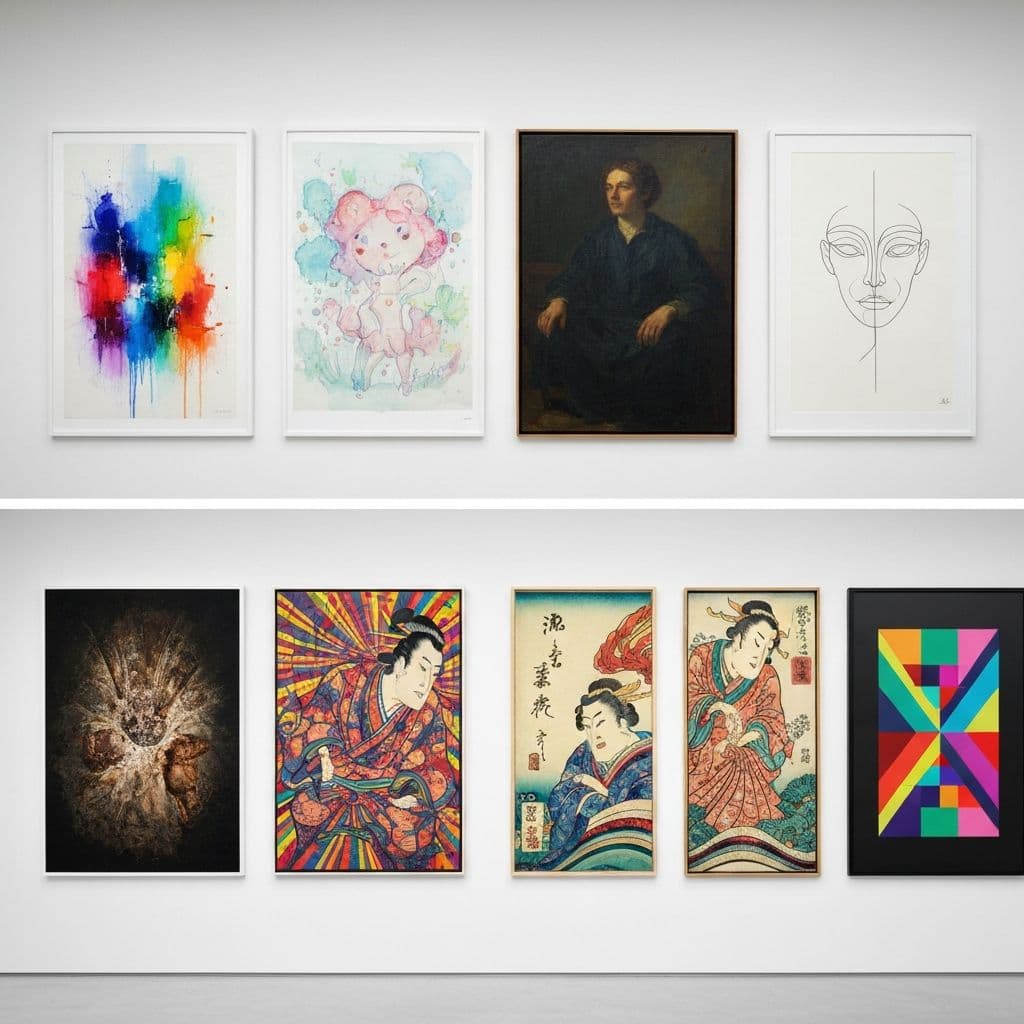
Tools like Wallnora can generate high-quality artwork in multiple styles and export at high resolution, streamlining the creation process significantly. The key is establishing a consistent workflow: generate, review, upscale if needed, prepare size variants, and package for delivery.
Create Print-Ready AI Art
Generate high-resolution wall art in 8+ styles, preview on real room mockups, and export at 300 DPI for professional printing.
Start CreatingStep 3 – Understand Licensing & Commercial Use
Licensing is one of the most misunderstood aspects of selling AI-generated art. Getting it wrong can lead to legal issues, account suspension, or customer disputes. Here’s what you need to know:
AI-generated art copyright: The legal landscape for AI-generated art is still evolving. In most jurisdictions, purely AI-generated images (where the AI made all creative decisions) may not qualify for copyright protection. However, artwork where you provided significant creative direction — detailed prompts, specific compositions, post-processing edits — may have stronger copyright claims. Consult a legal professional for your specific situation.
Commercial use rights: When using any AI art generation tool, verify that the platform’s terms of service grant you commercial use rights for generated images. Most major platforms do, but the specifics vary. Some tools require a paid plan for commercial use, while others grant it on all tiers. Read the terms carefully and keep documentation of your generation process.
Platform rules: Etsy’s policies require that you accurately represent your products. If your art is AI-generated, be transparent about it. Many successful sellers mention AI in their “About” section or listing descriptions while emphasizing the creative direction and curation they provide. Transparency builds trust and protects you from disputes.
Avoid trademark and IP issues: Never include trademarked brand names, logos, copyrighted characters (Disney, Marvel, etc.), or celebrity likenesses in your AI-generated art. AI tools can sometimes reproduce these elements unintentionally, so always review your output carefully before listing.
Step 4 – Prepare Print-Ready Files
Professional file preparation separates amateur sellers from successful shops. Your customers expect a polished, ready-to-print experience.
File organization: Create a clear folder structure inside your ZIP download file. A well-organized delivery might look like this: a main folder named with the artwork title, containing sub-folders for each size ratio (2:3, 3:4, 4:5, Square), with each sub-folder containing the high-resolution JPEG and PNG files. Include a README.txt with printing recommendations, color profile information, and your shop’s thank-you message.
Color profiles: Save your files in sRGB color space for digital delivery. While CMYK is technically better for professional printing, most home and online print services work best with sRGB files. Mention in your listing description that files are in sRGB and recommend that customers use a calibrated monitor or professional print service for the most accurate color reproduction.
PDF preparation: If you’re including PDF files, create them at the exact paper size (A4: 210 x 297mm, Letter: 8.5 x 11 inches, A3: 297 x 420mm) with the artwork properly centered and margins set. This allows customers to print directly without any resizing or cropping, which dramatically reduces confusion and support requests.
Quality control checklist: Before packaging any file for sale, verify the resolution (zoom to 100% and check for pixelation), color accuracy (compare on multiple screens if possible), edge quality (no artifacts or weird borders), and file size (high-res JPEGs should be several MB; if your file is under 1MB, it’s likely too low resolution).
Step 5 – Pricing Strategy
Pricing digital art on Etsy is both an art and a science. Price too low and you devalue your work and attract bargain-hunters who leave poor reviews. Price too high and you lose to competitors offering similar quality at lower prices.
Single print pricing: Most successful Etsy digital art listings are priced between $3.99 and $9.99 for a single design. The sweet spot for most niches is $4.99–$6.99. This price range feels affordable enough for impulse purchases while being high enough to signal quality. Factor in Etsy’s transaction fee (6.5%), payment processing fee (3% + $0.25), and listing fee ($0.20) when setting your price.
Bundle pricing: Bundles of 3–6 matching prints are where the real money is. A set of 4 botanical prints might sell for $12.99–$19.99, giving customers a per-print price of $3.25–$5.00 while increasing your revenue per transaction significantly. Bundles also have higher perceived value, which drives better conversion rates. Aim for bundles to represent at least 40–50% of your listings.
Psychological pricing: Always price at .99 or .49 endings ($4.99, not $5.00). This is basic pricing psychology, but it works. For premium pieces or large collections, consider anchor pricing — show the original price of buying items individually next to the discounted bundle price to emphasize the savings.
Sales and promotions: Etsy’s algorithm favors shops that run sales. Consider running a 20–30% off promotion during your first month to drive initial sales and reviews, then use periodic sales (holidays, seasonal changes) to boost visibility throughout the year.
Step 6 – Optimize Etsy Listings for Search
Etsy SEO is critical for organic discovery. With millions of listings competing for attention, your ability to rank in Etsy search directly determines your sales volume.
Title structure: Your listing title should be front-loaded with your primary keyword, followed by descriptive modifiers. For example: “Minimalist Wall Art Printable, Abstract Line Art Set of 3, Modern Living Room Decor, Digital Download”. The first 40 characters matter most for both Etsy search and Google indexing, so lead with your strongest keyword phrase.
Tags: Etsy gives you 13 tags per listing — use every single one. Include a mix of broad terms (“wall art”, “printable art”) and specific long-tail phrases (“minimalist bedroom wall decor”, “abstract art above sofa”). Study your competitors’ tags using tools like eRank or Marmalead, and track which tags drive the most traffic to your listings over time.
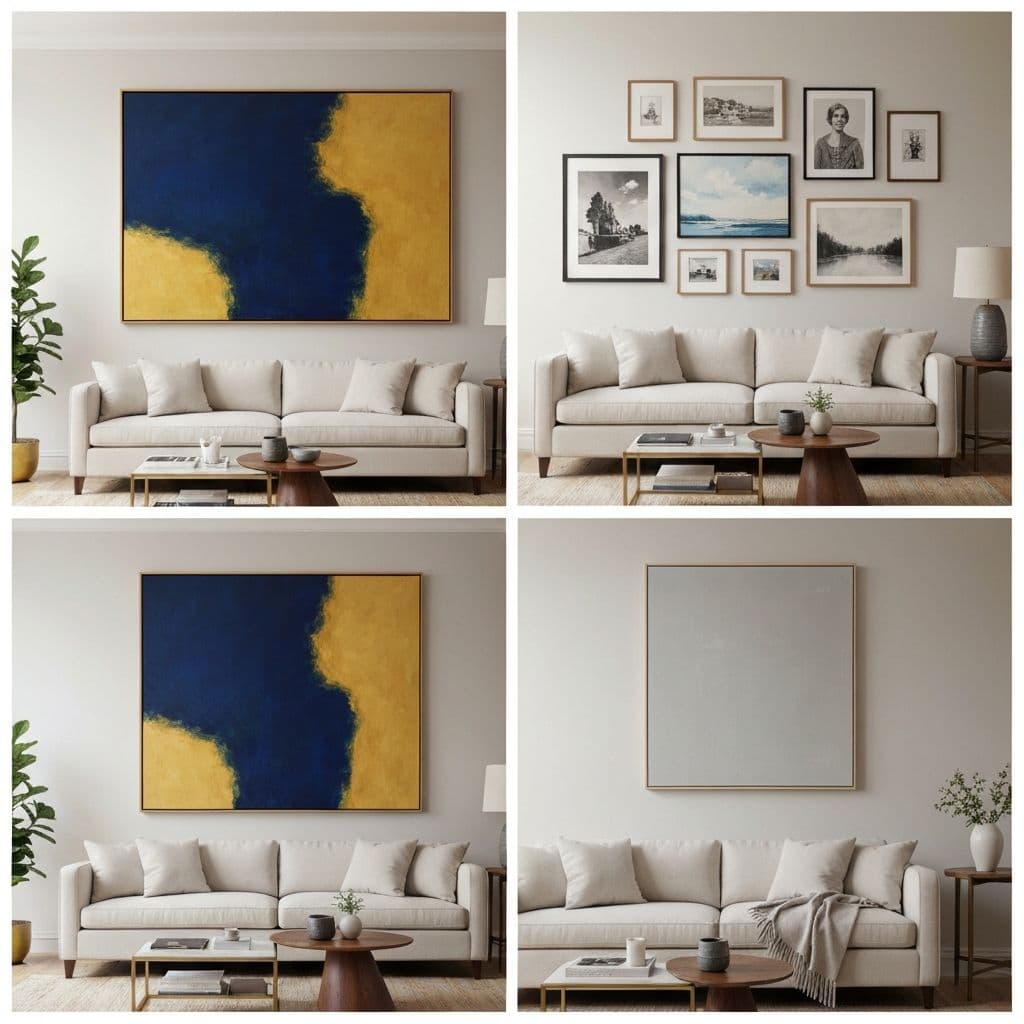
Main image design: Your primary listing image is the most important factor in click-through rate. Don’t just show a flat file — create a styled mockup showing the art framed and displayed in a beautiful room setting. Use consistent mockup templates across your shop for a cohesive, professional appearance. Include a small text overlay showing the number of files included (“Set of 4” or “6 Size Options”) to communicate value at a glance.
Description: Write a detailed listing description that naturally incorporates your target keywords. Cover what’s included (file formats, sizes, resolution), printing recommendations, intended room placement, and style information. A thorough description reduces buyer uncertainty and decreases refund requests.
Step 7 – Scale with Collections & Bundles
Once you’ve established a foothold with your initial listings, scaling is about building a cohesive shop with collections that encourage multiple purchases.
Create themed collections: Organize your shop into clear collections — “Nursery Prints,” “Abstract Living Room Art,” “Botanical Series,” “Seasonal Decor.” Collections make it easy for customers to browse related pieces and increase the likelihood of multi-item purchases.
Gallery wall bundles: Pre-curated gallery wall sets (5–8 coordinated pieces with a suggested layout) are premium products that command higher prices ($19.99–$39.99). These save customers the effort of coordinating pieces themselves and position you as a design authority, not just an art seller.
Seasonal releases: Plan a content calendar with new releases aligned to decorating seasons and holidays. Release spring collections in February, summer in April, fall in July, and holiday in September. Early releases capture customers who plan ahead and give Etsy’s algorithm time to index your listings before peak demand.
Cross-promotion: In each listing description, link to 2–3 related listings from your shop. Use phrases like “This pairs beautifully with our [product name]” or “Complete the look with our matching [collection name].” This keeps customers browsing your shop and increases average order value.
Common Mistakes to Avoid
After analyzing hundreds of successful and unsuccessful Etsy digital art shops, these are the mistakes that most commonly derail new sellers:
- Low-resolution files: Nothing kills a shop faster than customers receiving blurry prints. Always deliver at 300 DPI minimum at the intended print size.
- Poor mockup images: Flat file previews look amateur. Use a wall art mockup generator to create professional room mockups for your listing photos.
- Ignoring Etsy SEO: Beautiful art with poor titles and tags will never be found. Spend as much time on optimization as on creation.
- Inconsistent branding: Shops with a cohesive visual identity (consistent mockup style, color palette, typography) outperform chaotic-looking shops by a significant margin.
- Neglecting customer service: Respond to messages within 24 hours, address issues promptly, and include clear instructions with your downloads. Good service drives reviews, and reviews drive sales.
- Trying to compete on price: Racing to the bottom ($1.99 prints) attracts low-value customers and devalues your work. Compete on quality, presentation, and curation instead.
- Not offering size variants: Customers have different frame sizes. Offering only one ratio forces them to crop or skip your listing entirely. See our wall art sizing guide for the most popular sizes.
Start Your AI Wall Art Business Today
The printable wall art market on Etsy continues to grow year over year, and AI tools have made it possible for anyone with an eye for design to create professional-quality artwork. The key ingredients for success are: choosing a focused niche, maintaining uncompromising quality standards, mastering Etsy SEO, and building a cohesive shop that encourages repeat purchases.